
Get started

How the Discogs Shopware integration works

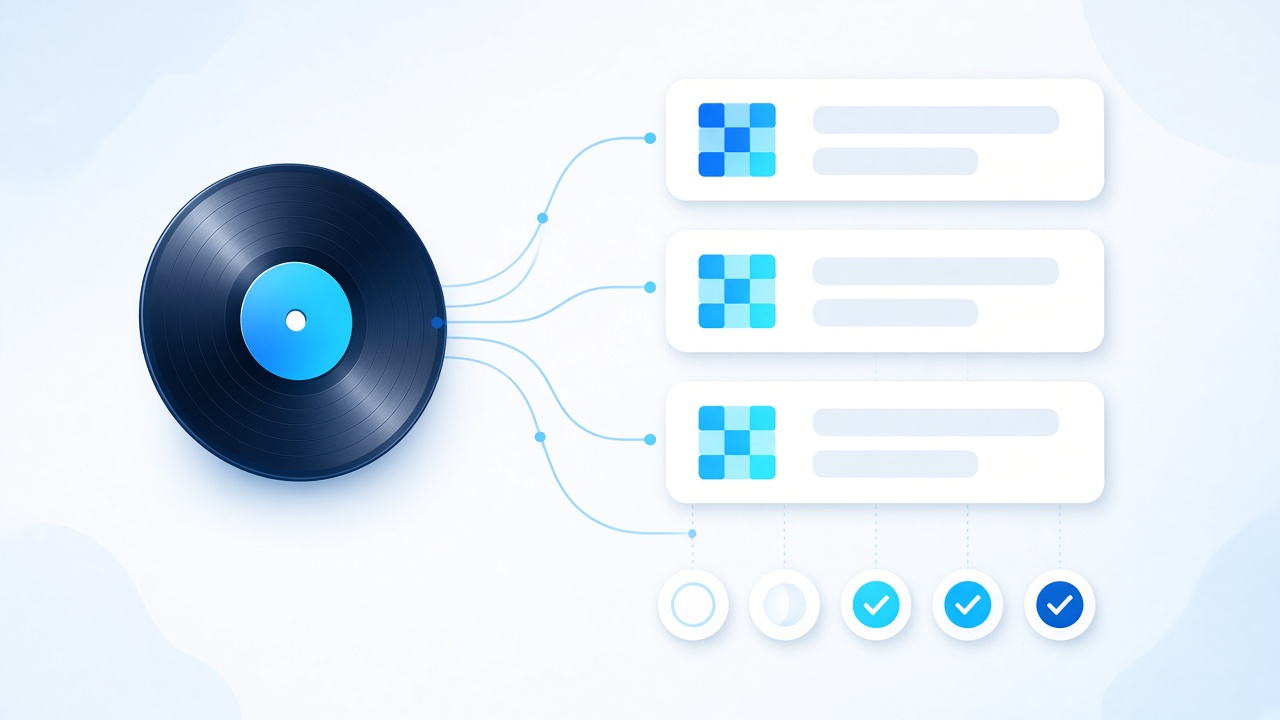
Authorize both platforms, set your rules, and Disconnect keeps listings, stock and orders in sync.

  1. 01

    Connect Discogs & Shopware

    Authorize your Discogs seller account and Shopware store inside Disconnect. Your catalog is ready to map from day one.

  2. 02

    Map fields, categories & prices

    Use prebuilt Shopware templates or write your own rules for fields, categories, SEO titles and channel-specific pricing.

  3. 03

    Sync listings, stock & orders

    Products, inventory and Discogs orders stay aligned automatically. Tracking posts back to Discogs after you ship.

Everything in one place

Everything you need to run Discogs + Shopware

Sync Discogs listings to Shopware with field mapping, category mapping and automatic repricing , built for record sellers.

Product sync

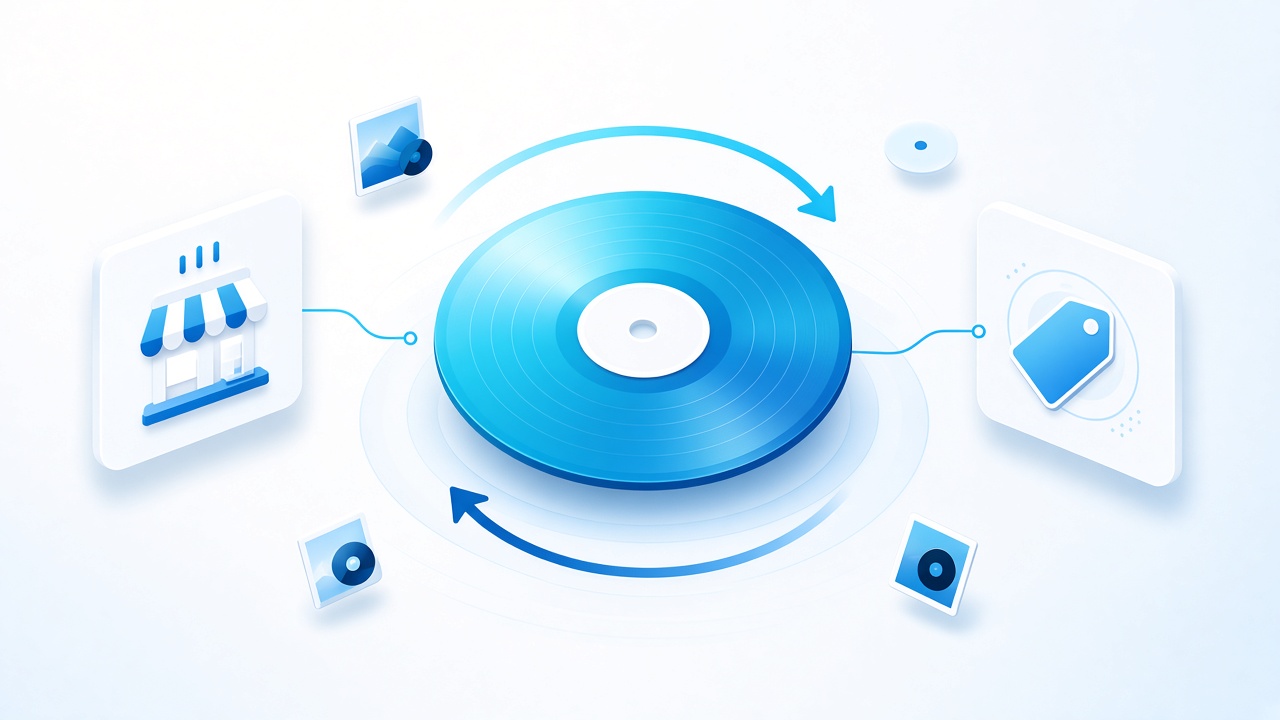
Discogs to Shopware Product sync

Discogs is an online marketplace for music lovers. Whether you're already selling on Discogs, or you're looking forward to starting selling on Discogs, our app Disconnect can sync your products in both directions, that is either from Discogs to your Shopware store or vice versa.

  • Push Discogs listings into Shopware automatically
  • List existing Shopware products on Discogs
  • Keep titles, descriptions, images, prices and stock aligned
Discogs to Shopware Product sync
Field mapping

Field Mapping Rules

Shopware Field Mapping Rules ensure that all the products sync between the platforms perfectly. We already have prebuilt Shopware Field Mapping Templates that further help you to start quickly & of course, you will be able to customize them as per your requirements.

  • Prebuilt Shopware field-mapping templates
  • Map Discogs fields to the right Shopware product fields
  • Customize any template to match your store
Field Mapping Rules
Category mapping

Category Mapping Rules

Imagine manually changing the categories of thousands of products, it can take hours. With our Shopware category mapping feature, you can map the products by defining categories and subcategories based on Genre, Style & Format to automate the product syncing to the right categories.

  • Category rules by Genre, Style and Format
  • Automatic subcategory assignment
  • Skip hours of manual category edits
Category Mapping Rules
Pricing

Auto Repricing

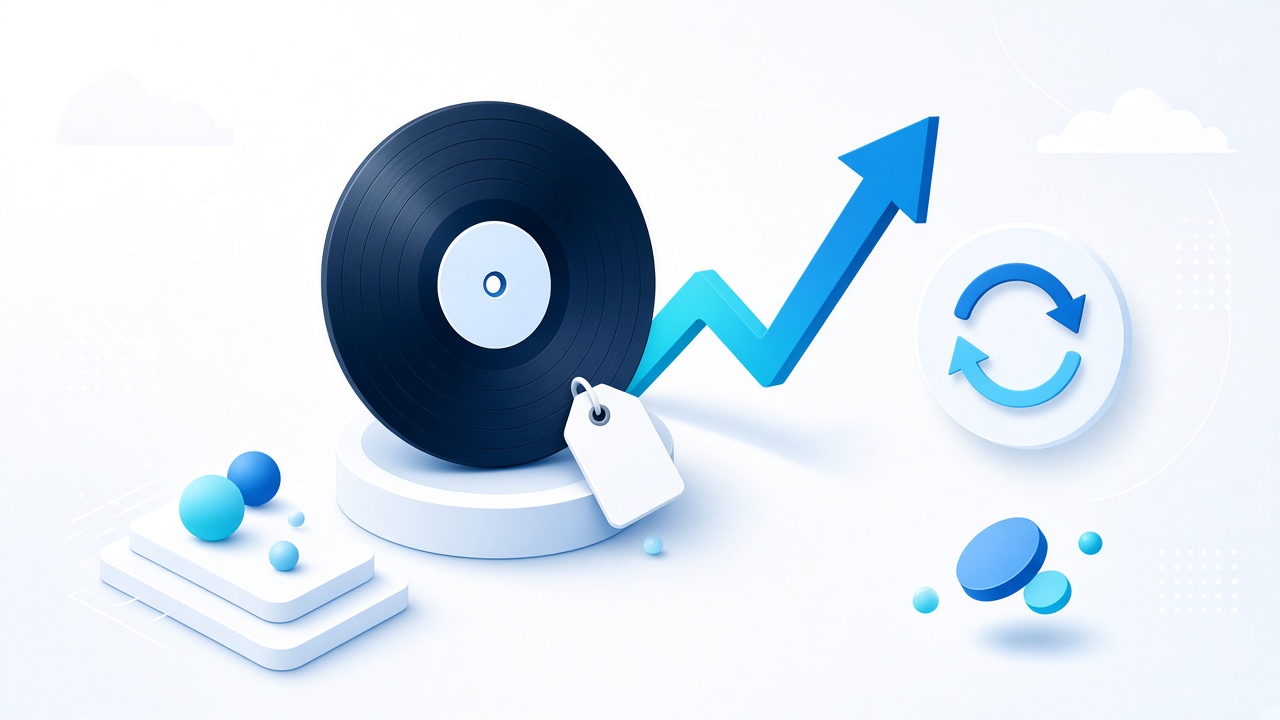
Same pricing strategy doesn't work for all E-Commerce stores & Marketplaces. You always have to twist them a little to get the best sales possible. Our Discogs Shopware Integration Repricing helps you reprice your products while syncing them to other platforms automatically.

  • Channel-specific markups and fee padding
  • Rule-based prices by format, grade or age
  • Automatic price updates on every sync
Auto Repricing
Coming soon

Be the first to know when we launch it

Shopware integration is on the way. Tell us about your store and we will notify you as soon as Discogs + Shopware sync is live.

Read Full Reviews

Trusted by sellers worldwide

Our proud customers

Official partners

We are official integration partners with

Questions

Frequently asked questions

What is Discogs Shopware integration?
Discogs Shopware integration allows Discogs sellers to seamlessly synchronize their listings and orders with their Shopware store. It simplifies the process of managing inventory, saving time and reducing errors.
How does the integration work?
The integration works by connecting your Discogs and Shopware stores, enabling automatic sync of product listings and orders. It syncs data such as product titles, descriptions, prices, and stock levels.
Can I customize product information in Shopware after syncing from Discogs?
Absolutely! You have full control to customize your product listings in Shopware even after syncing. The integration ensures that any changes you make are not overwritten during subsequent syncs.
Will the integration manage my inventory levels automatically?
Yes, the integration helps manage your inventory by keeping stock levels consistent between your Discogs and Shopware stores. When a product sells on one platform, it will be automatically updated on the other.
How often does the integration sync data between platforms?
The synchronization process is ongoing and runs continuously. We synchronize approximately 150 products at intervals of 10-15 minutes.
Can I try the integration before committing to a subscription?
Yes, we offer a 14 days free trial period so you can evaluate the integration's features and benefits. You can explore its functionality and ensure it meets your needs before making a decision.
Is my data secure when using the integration?
DisConnect fully ensures that your data is safe. For the safety of your data we have deployed a Bank grade security firewall into our server & also your data is fully encrypted while in transition with 256 bit SSL encryption.

Talk to the Disconnect team

Fill in a few details and we'll help you plan the switch from spreadsheets to synced inventory, no obligation.

Email [email protected] Sales +1 (555) 014-2280
Support hours Mon-Fri, 9am-6pm UTC

Message sent

Thanks, we'll get back to you as soon as we can.